A rental, a hotel lobby and an open house should not start the same conversation
Hospitality · November 2026 · PolyQ Team
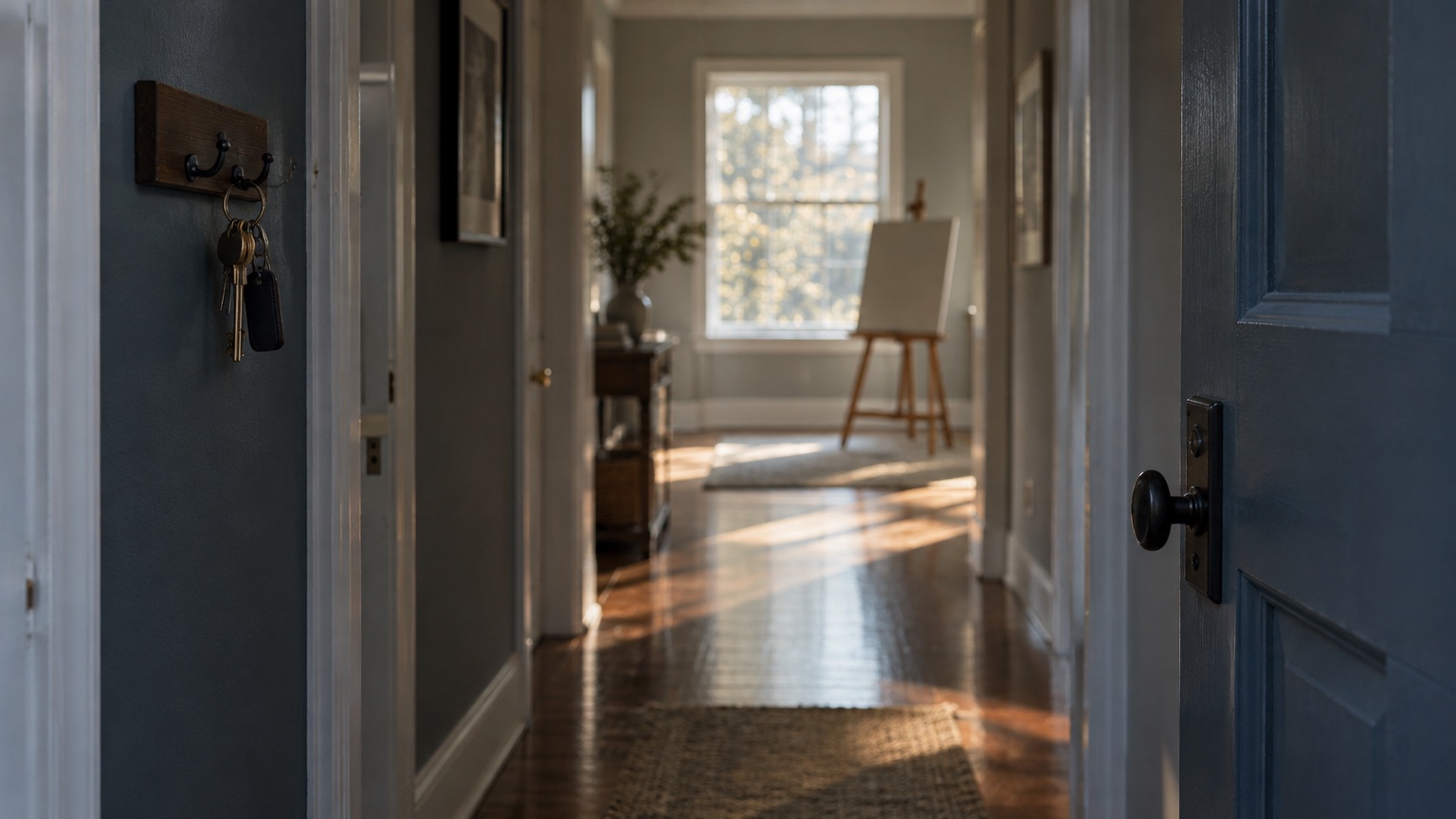
Until this month every Mila session began the same way, whatever the property and whatever the device. Now the opening depends on both — a welcome for a stay, a spoken overview for a home for sale, and no ceremony at all for a hotel desk after midnight.
A guest arriving at a rental for a week, a buyer walking through an open house, and a traveller at a hotel kiosk at 1 a.m. want very different first ten seconds. Treating them identically was a shortcut we took early, and it showed.
- One setting, decided per device: Each property now carries an opening for a guest’s phone and another for a kiosk at the property. Defaults follow the property type, admins adjust them per type, and a property can override them.
- Welcomes are per stay, not per device: Previously a device remembered that it had played the welcome, forever. Now the welcome returns for each new stay or each new visitor, which is what the word welcome implies.
- Real estate gets a spoken overview: For a home for sale Mila writes a 45–60 second overview from the listing — price, beds and baths, the strongest features, the neighbourhood, how to reach the agent. The agent can edit it or regenerate it, and an edited overview is never overwritten.
- In the guest’s language, without waiting: Welcomes and overviews are translated once per version and cached, and the spoken audio is cached too. Mila pre-generates English plus the languages a property’s guests used most in the past month.
- Rolling out with the next guest app: The settings and the agent-side editing are live now. Guests will see the new openings when the next iOS release reaches the App Store; the current app keeps working exactly as before.
The first thing an assistant says sets the terms for everything after it. Getting that right per property is a small feature with an outsized effect on whether people keep talking.
If you run real-estate listings on Mila, open a property in the portal and read the overview it has already written for you.